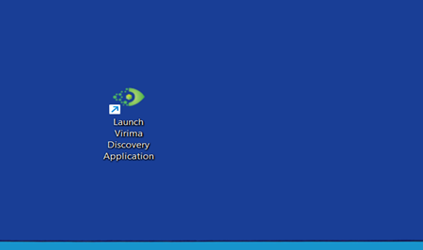
Installing the Application
-
Run the Installer:
-
Right-click the installer and select Run as administrator.
-
-
Windows SmartScreen Warning:
-
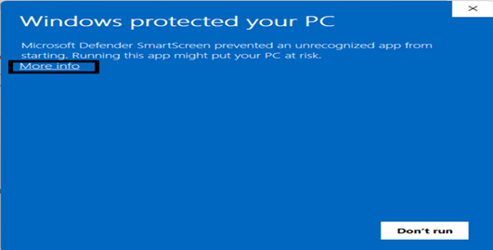
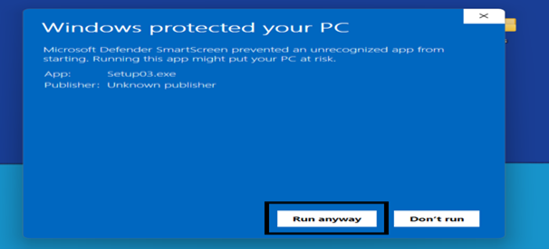
If prompted, select More info, and then select Run anyway to continue the installation.
-
-
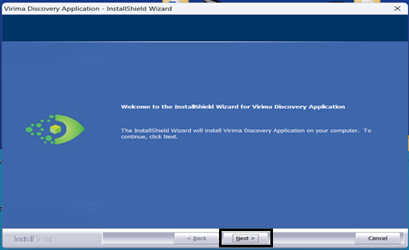
Click Next to proceed.
-
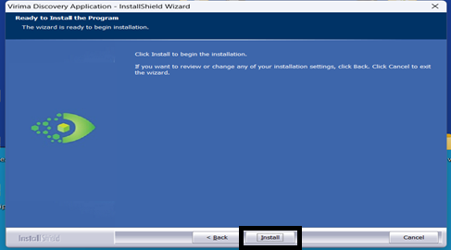
Click Install to begin installation.
-
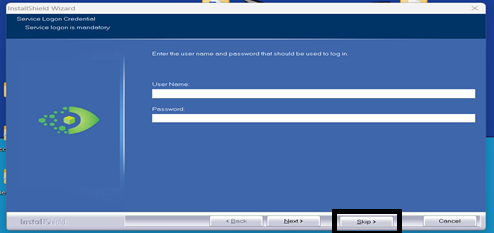
Click Skip if prompted.
-
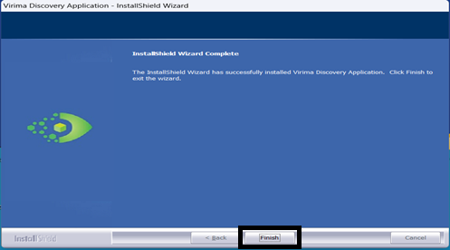
Click Finish to complete the installation.
-
Launch the Application:
-
Find the Virima Discovery Application icon on your desktop.
-
Right-click and select Run as administrator.
-